67+ subscriptions for $0 -> all you need is student status!
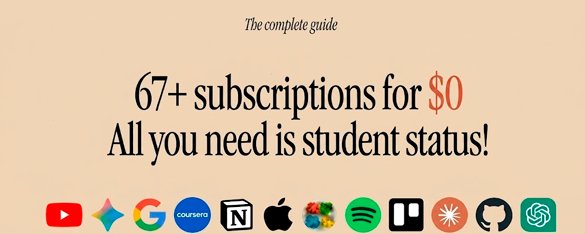
Spending $9,000 a year on software is crazy. Almost all popular tools can be obtained for free or with huge discounts, just by registering as a student (you do not need to attend classes).
Everyone is tired of paying for every subscription...
This guide is a great cheat sheet, it allows you to save thousands of dollars on software for development, design and training 👇
The King of Subscriptions: GitHub Student Developer Pack
- Completely Free for the Duration of Studies
These services provide full Pro functionality at zero cost as long as you maintain your student status:
- Development: All JetBrains IDEs (IntelliJ IDEA, PyCharm, etc.), Postman, Red Hat.
- Design: Figma (Education Plan), Canva Pro, Autodesk (AutoCAD, Maya), Miro.
- Productivity: Notion Plus, Microsoft 365 (Office), Airtable, Loom.
- AI: Google Gemini (via Google One Education).

- Credits and Free Tiers (Cloud & DB)
Instead of "unlimited" access, these provide significant starting capital:
- Azure / AWS / Google Cloud: Between $100 and $200 in credits to run servers.
- MongoDB Atlas: $50 in credits and free certification exams.
- Stripe: Fee-free processing for your first $1,000 in transactions.

- Trial Periods
Services that let you "test drive" the premium experience for an extended time:
- Amazon Prime: 6 months free.
- Educative: 6 months of free access to interactive courses.
- Cursor Pro: 1 year of free access to one of the best AI-powered code editors.

- Permanent Discounts (~50% Off)
These are never free, but students pay half price:
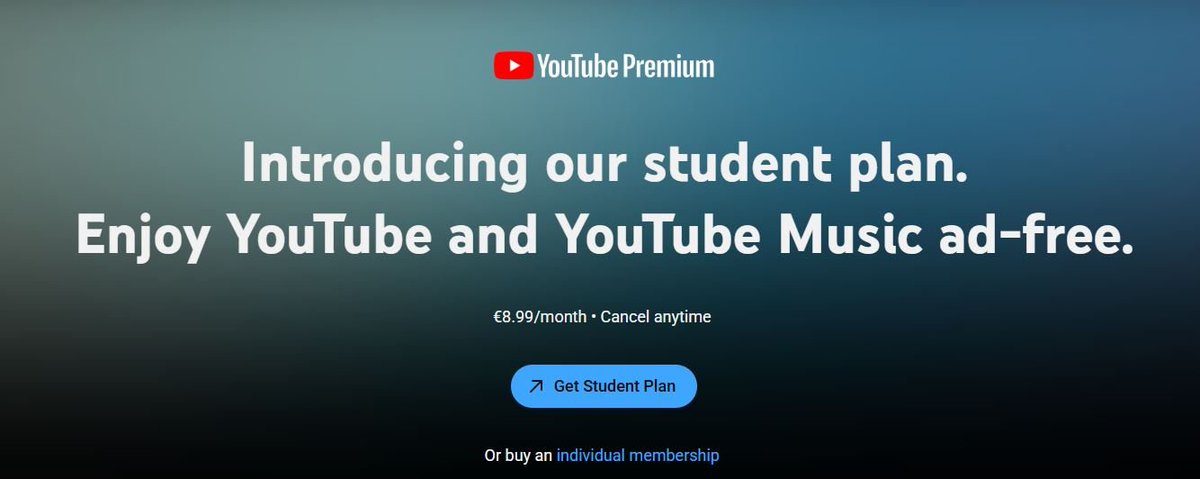
- Media: Spotify, YouTube Premium, Apple Music.
- Hardware: Apple Education Store (discounts on Macs/iPads), Samsung Student Store, and deals via UNiDAYS.
- AI: Perplexity Pro.
I didn't mention Claude for free in the guide, but there is an inexpensive alternative (~$2.5) to access Gemini 3.1 Pro, Claude 4.6 Sonnet and Opus.
Website: I will not share this information with you, there are YouTube platforms and so on where it can be found.
Survival Guide: How to Use "Borrowed" Access
I won't post this, if you want, then ask a free neural network.
How to Obtain Access (The Methods)
Path A: Friendly Sharing (The Safest)
If you have an actual friend who is a student:
Email Aliases: Ask them to set up an email alias or forwarding from their .edu mail to yours. You can then confirm registrations yourself.
Path B: Buying a .edu Email (High Risk,violates the rules, I don't recommend it.)
Path C: The "Eternal Student" (The Legal Hack)
Some online courses, bootcamps, or community colleges provide an official student status and a .edu email for a very small enrollment fee. This is the most reliable method because the documents are legitimate and in your name.
Thank you for reading, I hope it was useful for you.
Save it so you don't lose it 📝
Related articles

10 AI Skills So Powerful They Feel Illegal (install now)
These skills work in Hermes, Codex, Claude Code, and any other AI harness you could think of.

These 10 Skills Turn Claude Code Into an ENTIRE Team.
Most people are still running Claude Code raw. Every session starts from zero, they re-explain the project for the fifth time this month, and they get code that looks fine until it breaks.
