How to Build a Second Brain with Karpathy's Method (Claude + Obsidian)

This is a complete A–Z breakdown of the knowledge system that Andrej Karpathy made famous — and how to build it yourself with Claude Code.
Bookmark this before you forget.
The Idea That Hit 21 Million Views
Andrej Karpathy — co-founder of OpenAI and Anthropic AI researcher— posted a simple idea that went massively viral.
Stop using AI to write code. Use it to build a second brain.
The concept sounds basic until you understand what makes it different. You don't just store notes. You build a loop — a system where every source you add makes the entire system smarter, including the notes you added months ago.
Most note-taking apps are storage. You put things in, they sit there, you search and hope.
This method is different. It compounds. Like interest. The more you feed it, the more valuable everything already inside it becomes.
Here's how to build it with Claude Code.
What This Method Actually Is
Most people's "second brain" is a graveyard.
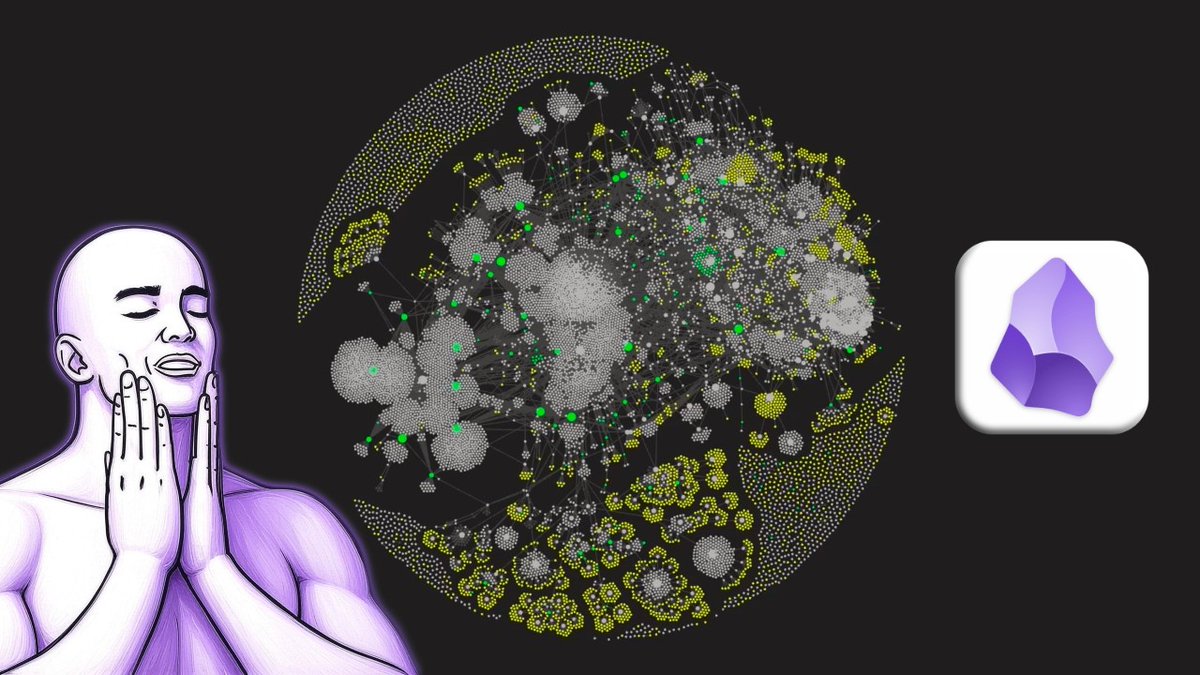
Notes go in. They never come out. The graph view looks impressive but you never actually use 95% of what's in there. It's a hoard, not a system.
Karpathy framed the real distinction against RAG — the standard way people bolt AI onto their notes.
RAG re-searches your documents from scratch on every single question. Nothing accumulates. You ask, it retrieves, it answers, and then it forgets — the next question starts from zero. The knowledge is never actually compiled. It's just searched, over and over.
The wiki approach compiles knowledge once and maintains it. The AI reads a source, integrates it into a structured wiki, and links it to everything already there. The next time you ask a question, the answer is already half-built into the structure. And crucially: the answer itself can be filed back as a new page. The output becomes input.
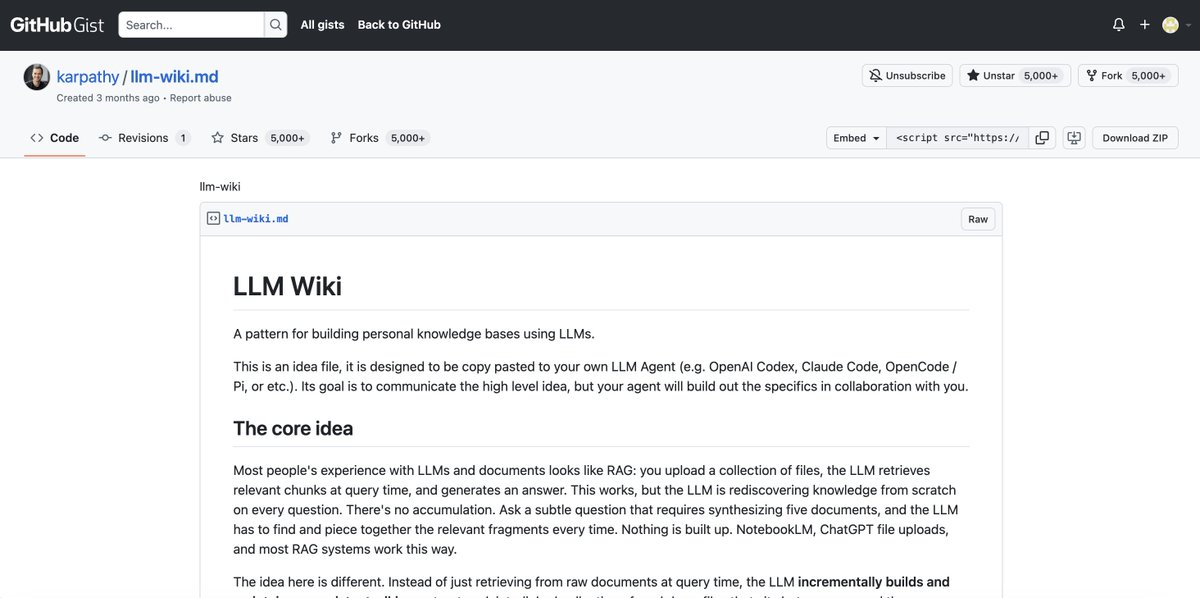
As Karpathy put it: Obsidian is the IDE, the LLM is the programmer, the wiki is the codebase.
Check official link - https://gist.github.com/karpathy/442a6bf555914893e9891c11519de94f
You're not searching a pile of documents. You're maintaining a living, compiled knowledge base — the way a codebase is maintained, not the way a folder of files just sits there.
That's the loop. It has three operations, and each feeds the system:
Ingest — you drop a source in. The AI reads it, breaks it into atomic pages, and integrates it into the wiki.
Query — you ask questions across everything. The AI answers from the compiled structure, and files the answer back as a new page.
Lint — periodically, the AI checks the wiki's health: contradictions between pages, outdated claims, orphan pages with no links, gaps in coverage. This is the operation everyone skips and the one that actually keeps the system alive.
The difference between storage and a loop: storage gets bigger. A loop gets smarter — and stays coherent.
Why the Loop Compounds
Here's the math that makes this work.
A vault with 10 notes has, at most, 45 possible connections between them. A vault with 100 notes has 4,950. A vault with 500 notes has over 124,000 potential connections.
The value of your second brain isn't in the notes. It's in the connections between them. And connections grow quadratically while notes grow linearly.
The problem: you can't maintain 124,000 connections by hand. No human can. This is exactly why most second brains die — the maintenance cost grows faster than the human can keep up.
Claude Code solves this. It maintains the connections for you. Every time you ingest a source, Claude re-links it against the entire existing vault. The maintenance that kills manual systems becomes automatic.
That's the whole trick. The loop only compounds if something maintains the connections. A human can't. Claude can.
The Setup — The Structure Karpathy Uses
Karpathy's structure is deliberately minimal. A few folders and a schema file.
/raw — your sources. Articles, transcripts, PDFs, anything. Unprocessed. This is the inbox.
/wiki — the AI's pages. The processed, linked, atomic notes generated from your raw sources. This is the actual second brain.
index.md — the catalog. A directory of every page in the wiki, so both you and the AI can navigate the whole structure at a glance.
log.md — the chronology. A running log of what got ingested and when. This is the history of the system's growth.
CLAUDE.md (the schema) — the rules. A file the AI reads at the start of every session that defines exactly how to ingest, query, and lint the wiki. Karpathy calls this the schema — it's the specification the AI follows to maintain the whole system consistently.
That's it. No plugins, no complex tooling. A few folders, a schema file, and an AI agent running in the terminal.
Step 1 — Install Obsidian and Claude Code
Obsidian — free, from obsidian.md. Create a new vault. This is where your second brain lives.
Claude Code — install via terminal:
Navigate to your vault folder and open Claude Code:
Claude Code is now running inside your vault, with direct read/write access to every file.

Step 2 — Create the CLAUDE.md Engine
This is the most important file in the entire system. It's what makes the loop run.
Create a CLAUDE.md in your vault root. Paste this:
The AI reads this at the start of every session. You never explain the system again. The schema is the engine.

Step 3 — Feed the Loop
Now the loop runs. Drop any source into /raw and tell Claude:
Claude reads the source, breaks it into atomic notes, links each one to your existing vault, flags potential hub notes, and files everything. What took you 30 minutes of manual processing now takes one command.
Do this with everything. An article you read. A podcast transcript. A PDF of a paper. Meeting notes. Book highlights.
Every ingestion makes the whole system smarter — because Claude links the new material against everything already there.
Step 4 — Query Across Everything
This is where storage becomes a loop.
Once you have material in the vault, you stop searching and start asking:
That last one closes the loop. Claude identifies what's missing, you find sources to fill the gap, you ingest them, and the system gets smarter. The output generates the next input.


Step 5 — Lint the Wiki (The Step Everyone Skips)
This is the operation almost nobody does — and it's the one that keeps the whole system from rotting.
As your wiki grows, entropy creeps in. Two pages start contradicting each other. A claim you filed in March gets superseded by something you read in June, but the old page still says the old thing. Pages get orphaned with no links pointing to them. Topics get referenced but never actually developed.
Left alone, the graph drifts. The connections that gave it value slowly go stale.
Linting fixes this.
Once a week, run:
Claude walks the entire wiki and reports what's broken. You decide what to fix.
This is what separates a second brain that stays sharp from one that quietly becomes a mess you stop trusting. Karpathy's method treats lint as a core operation, not an optional extra — because a knowledge base you don't trust is one you stop using.
Step 6 — The Weekly Loop Review
Once a week, alongside your lint pass, run a review that keeps the loop pointed in the right direction:
This isn't just review. It's the loop becoming self-aware — the system telling you what you're building toward before you consciously know it yourself.
Why This Beats Every Note-Taking App
Notion, Roam, standard Obsidian — they're all storage with better UI.
The Karpathy method is different in one specific way: the connections maintain themselves.
In a normal vault, you're the one who has to remember that the article you're reading now relates to a note you wrote three months ago. You never remember. The connection never gets made. The knowledge stays siloed.
In the loop, Claude makes that connection automatically, every time, across your entire vault, forever. The thing that kills every manual system — connection maintenance — is exactly what Claude Code automates.
That's why it compounds. And that's why 21 million people stopped to read Karpathy's idea.
Bonus: Run Your Second Brain 24/7
Here's the limitation nobody mentions.
Running the loop on your laptop means it only works when your laptop is on. Close the lid, and your second brain stops thinking. You find a great article at 11pm on your phone, and it just sits in a tab until you're back at your desk.
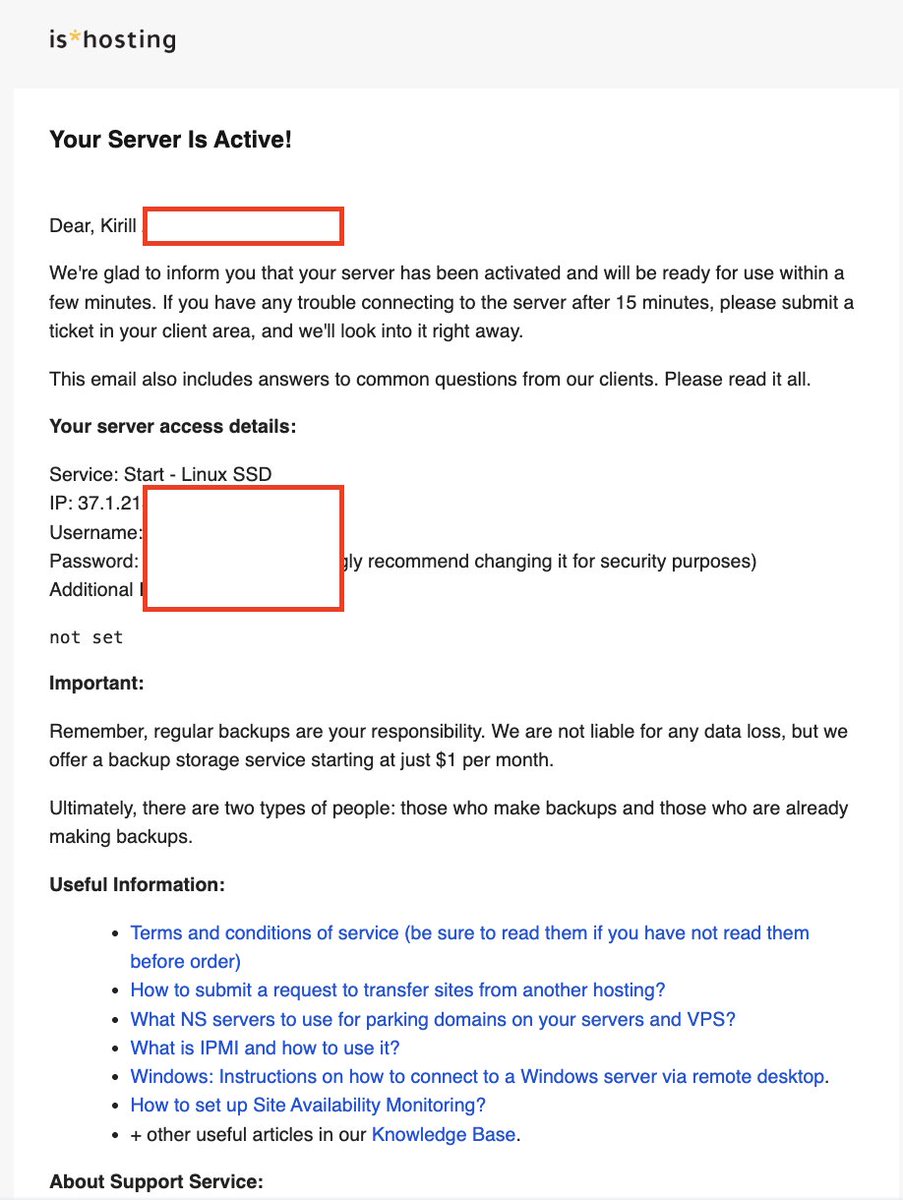
You need a VPS — a cloud server that stays online 24/7, executes without interruption, and reacts instantly to data changes.
I personally use 👉https://ishosting.com/affiliate/NzE0MiM2
They provide simple Linux environments with ready-to-use installation guides — easy even if you're not technical.
My subscribers get a special discount.
A cheap always-on server runs your second brain around the clock. Email yourself a link, drop a file in a synced folder, and the loop processes it automatically — even while your laptop is closed and you're asleep.
The setup:
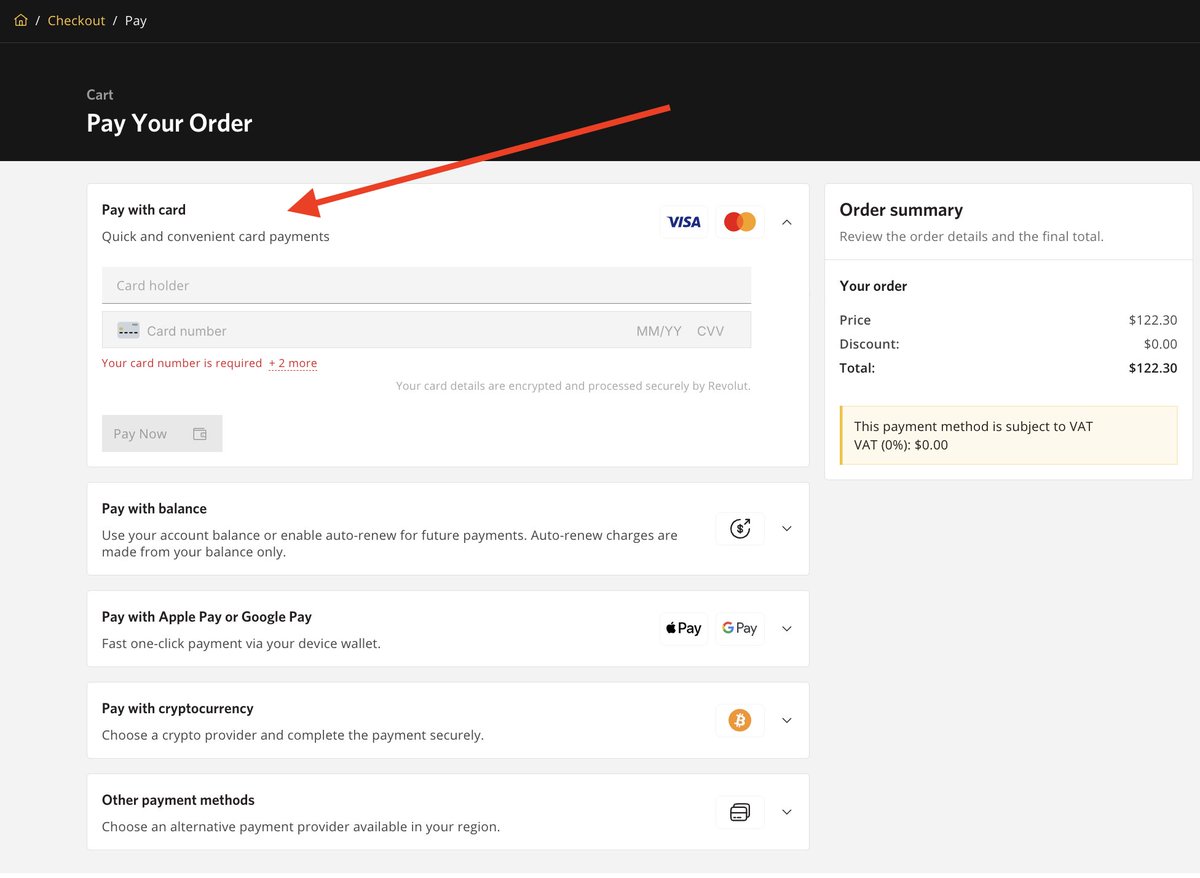
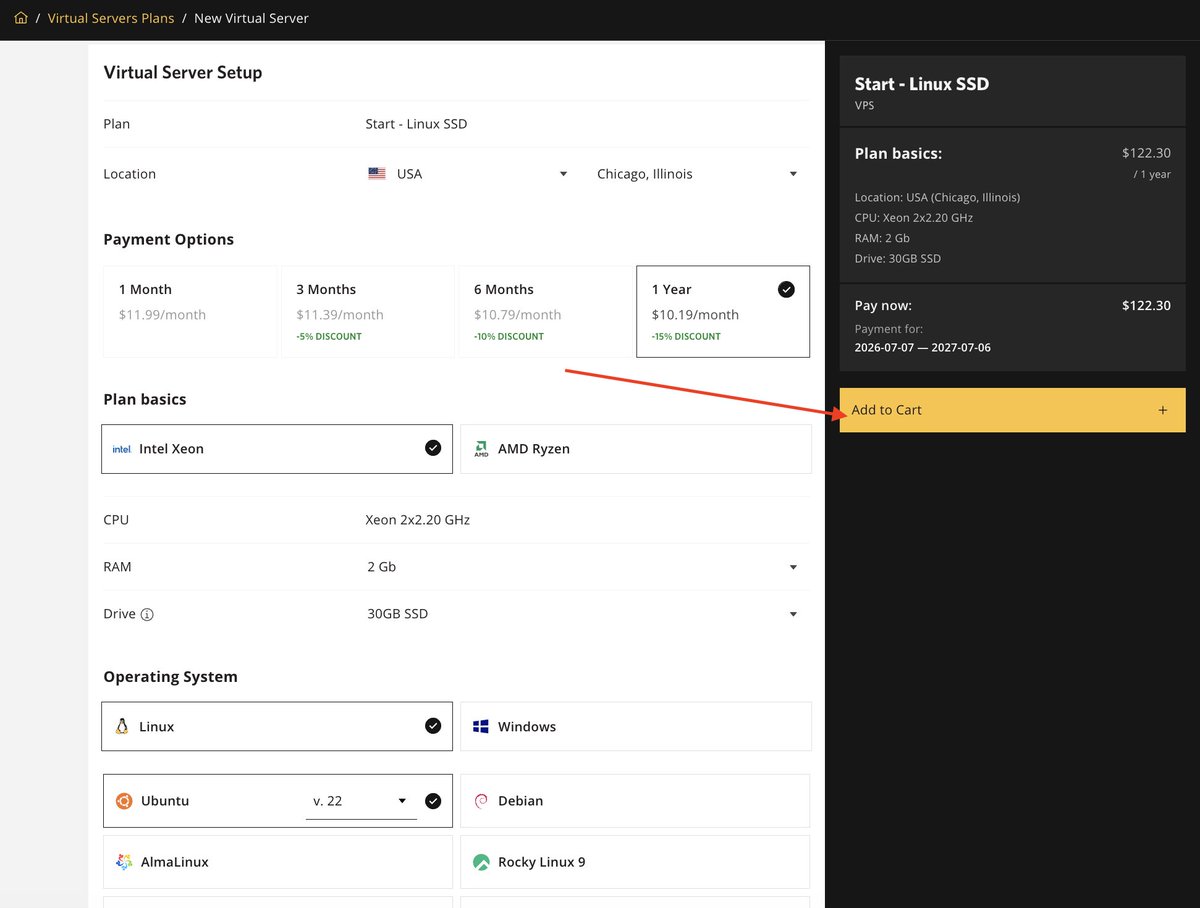
Get a basic Ubuntu VPS (Recommended: Start - Linux SSD, Ubuntu 22,04, Chicago location or another.)
$10.19/month on the annual plan.
For more complex tasks, I recommend using: Medium or Premium
Minimum server: Xeon 2x2.20GHz, 2GB RAM, 30GB SSD — the heavy lifting happens on Anthropic/Moonshot servers via API. Your VPS just runs the agent and holds your text files, so you don't need anything powerful. For heavy batch-ingesting, 4GB RAM is more comfortable.
Recommended:
4 vCPU
8 GB RAM
80 GB SSD
Location: New York / London / Frankfurt (lower latency)
It's more cost-effective to pay for a whole year up front
You can run multiple bots on this single server simultaneously. One VPS, unlimited strategies.
Connect to Your VPS
Check your email.
Windows: Open Remote Desktop (RDP) → enter server IP → login with credentials. if you've chosen Windows hosting
Mac: Open Terminal → paste IP → connect
You're inside your cloud machine. This server runs your bot non-stop.
Install Claude Code on it
https://code.claude.com/docs/en/setup - Setup Claude
https://obsidian.md/help/install - Install Obsidian
Put your Obsidian vault folder on the server, synced to your local vault
Set a cron job that runs "ingest this" on the /raw folder every hour
Now the loop never sleeps. Sources get ingested, linked, and filed the moment they land — no matter where you are or whether your computer is on.
For a system whose entire value is that it compounds continuously, a server that never turns off is the difference between a second brain you use sometimes and one that's always working in the background.
The Cheaper Alternative Worth Knowing
Claude Code is the tool Karpathy's method spread on. But the exact same system runs on Kimi K2.7 — with a 256K context window that holds more of your vault at once, the ability to read up to 50 files simultaneously, and a fraction of the API cost.
For a system that only gets bigger over time, where every ingestion re-reads against the whole vault, context size and cost matter. Kimi runs the same loop cheaper.
Same three folders. Same config file. Same commands. Swap Claude Code for Kimi Code CLI and the loop is identical.
Use whichever fits your budget. The method is what matters, not the model.
Conclusion
Karpathy's insight wasn't about note-taking. It was about loops.
A second brain that just stores gets bigger and more useless over time. A second brain that compounds gets smarter with every source you add — because something is maintaining the connections that give knowledge its value.
Three folders. One config file. One command: "ingest this."
Five minutes to set up. And you never start from a blank chat again.
The knowledge you already have starts working for you, instead of sitting in a folder you forgot about.
That's the Karpathy method. That's how a second brain is supposed to work.
Links
My Telegram: https://t.me/kirillk_web3
My Twitter/X: https://x.com/kirillk_web3
Hosting (run it 24/7): https://ishosting.com/affiliate/NzE0MiM2
Follow for more Vibe Coding information. Thank you for reading!
Embedded post:
Author: Kirill (@kirillk_web3) Post ID: 2071705181432266793 Source: https://x.com/kirillk_web3/status/2071705181432266793 Reply to: none
Text:
> http://x.com/i/article/2062853610820534272
Embedded post:
Author: Andrej Karpathy (@karpathy) Post ID: 2039805659525644595 Source: https://x.com/karpathy/status/2039805659525644595 Reply to: none
Text:
> LLM Knowledge Bases > > Something I'm finding very useful recently: using LLMs to build personal knowledge bases for various topics of research interest. In this way, a large fraction of my recent token throughput is going less into manipulating code, and more into manipulating knowledge (stored as markdown and images). The latest LLMs are quite good at it. So: > > Data ingest: > > I index source documents (articles, papers, repos, datasets, images, etc.) into a raw/ directory, then I use an LLM to incrementally "compile" a wiki, which is just a collection of .md files in a directory structure. The wiki includes summaries of all the data in raw/, backlinks, and then it categorizes data into concepts, writes articles for them, and links them all. To convert web articles into .md files I like to use the Obsidian Web Clipper extension, and then I also use a hotkey to download all the related images to local so that my LLM can easily reference them. > > IDE: > > I use Obsidian as the IDE "frontend" where I can view the raw data, the the compiled wiki, and the derived visualizations. Important to note that the LLM writes and maintains all of the data of the wiki, I rarely touch it directly. I've played with a few Obsidian plugins to render and view data in other ways (e.g. Marp for slides). > > Q&A: > > Where things get interesting is that once your wiki is big enough (e.g. mine on some recent research is ~100 articles and ~400K words), you can ask your LLM agent all kinds of complex questions against the wiki, and it will go off, research the answers, etc. I thought I had to reach for fancy RAG, but the LLM has been pretty good about auto-maintaining index files and brief summaries of all the documents and it reads all the important related data fairly easily at this ~small scale. > > Output: > > Instead of getting answers in text/terminal, I like to have it render markdown files for me, or slide shows (Marp format), or matplotlib images, all of which I then view again in Obsidian. You can imagine many other visual output formats depending on the query. Often, I end up "filing" the outputs back into the wiki to enhance it for further queries. So my own explorations and queries always "add up" in the knowledge base. > > Linting: > > I've run some LLM "health checks" over the wiki to e.g. find inconsistent data, impute missing data (with web searchers), find interesting connections for new article candidates, etc., to incrementally clean up the wiki and enhance its overall data integrity. The LLMs are quite good at suggesting further questions to ask and look into. > > Extra tools: > > I find myself developing additional tools to process the data, e.g. I vibe coded a small and naive search engine over the wiki, which I both use directly (in a web ui), but more often I want to hand it off to an LLM via CLI as a tool for larger queries. > > Further explorations: > > As the repo grows, the natural desire is to also think about synthetic data generation + finetuning to have your LLM "know" the data in its weights instead of just context windows. > > TLDR: raw data from a given number of sources is collected, then compiled by an LLM into a .md wiki, then operated on by various CLIs by the LLM to do Q&A and to incrementally enhance the wiki, and all of it viewable in Obsidian. You rarely ever write or edit the wiki manually, it's the domain of the LLM. I think there is room here for an incredible new product instead of a hacky collection of scripts.

Prompts
What are the gaps in my knowledge about [topic]?
What should I read next?
What do I know about [topic]? Pull from every relevant note
and synthesize it into a coherent answer. Cite the notes.
ingest this
What connects [concept A] and [concept B] in my vault?
Find the non-obvious link.
ssh root@SERVER_IP
lint the wiki.
1. Find any pages that contradict each other
2. Flag claims that are outdated or superseded by newer notes
3. Find orphan pages with no incoming links
4. Identify gaps: topics I reference but never developed
5. Report everything. Don't delete anything —
   just show me what needs attention.
npm install -g @anthropic-ai/claude-code
cd your-vault-folder
claude
Review everything I added this week.
1. What are the 3 most important ideas I captured?
2. What new connections emerged between old and new pages?
3. What hub pages are forming — concepts that many
   pages now link to?
4. What am I clearly interested in based on what I've been
   feeding the system?
5. What should I explore next week to deepen the strongest threads?
Based on everything in my vault, what's a question
I should be asking that I'm not?
# Second Brain Schema

## Structure
- /raw contains unprocessed sources
- /wiki contains processed atomic pages
- index.md is the catalog of all wiki pages
- log.md is the chronological ingest history
- This file is the schema that runs the system

## INGEST — when I say "ingest this" or drop a file in /raw:
1. Read the source completely
2. Extract the core ideas as separate atomic pages
3. For each page: clear title, one-sentence summary,
   the idea in my own words, source attribution
4. Link each new page to related existing pages in /wiki
   using [[wikilinks]]
5. If a page connects to 3+ existing pages, flag it as a hub
6. Add each new page to index.md
7. Append an entry to log.md with date and source
8. Move the source to /raw/processed

## QUERY — when I ask a question:
- Search the entire /wiki before answering
- Cite which pages support your answer
- If pages conflict, surface the conflict
- File the answer back as a new page if it's worth keeping

## LINT — when I say "lint the wiki":
- Find contradictions between pages
- Flag outdated or superseded claims
- Find orphan pages with no incoming links
- Identify gaps: topics referenced but never developed
- Report everything; don't auto-delete

## Rules
- Every page is atomic: one idea per page
- Write in my voice, not the source's voice
- Never lose source attribution
- Surface non-obvious connections aggressively
Links
Related articles

How Obsidian + Claude Made Me 10x More Productive
I used to keep my brain in 6-7 different places: 40 Claude tabs, a dying Notion workspace, Telegram saved messages, Apple Notes, random folders, and my own fading memory. Every new project or post st…

18 Months of Notes Taught My Obsidian Vault Something About Me I Never Noticed.
Read every daily note and project note in this vault chronologically, from the earliest to the most recent. Identify any recurring behavioral pattern that repeats at least three times across separate…
