How to make your Onboarding 10x better (7 Practical Tips)
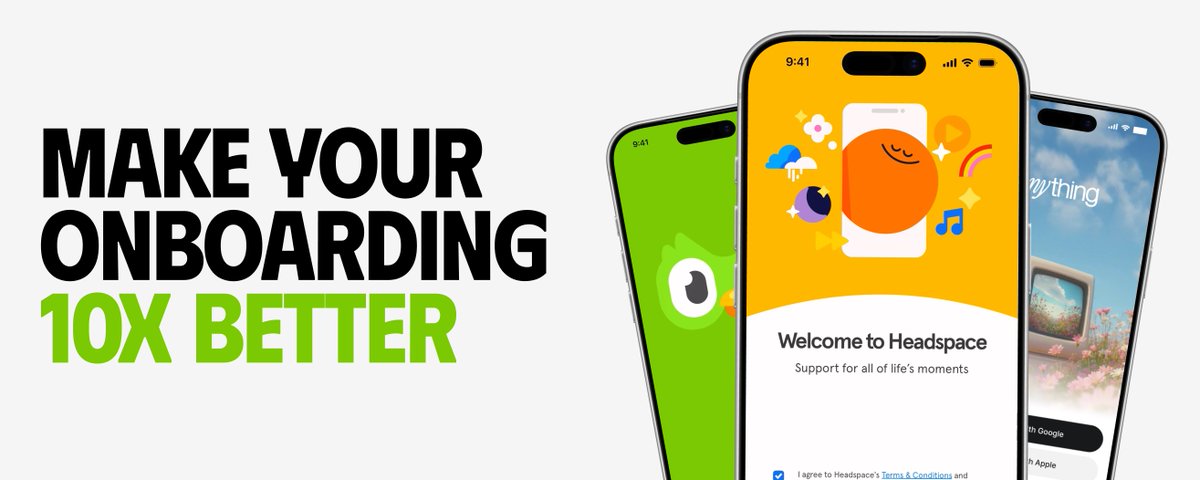
We’ve designed hundreds of app experiences, and one thing we’ve learned is that good onboarding isn’t about explaining every feature.
It’s about helping users experience the value of the app as quickly as possible.
Here’s how:
1. Define the activation moment
First, decide what action makes users understand the value of your app.
For a fitness app, it could be completing their first workout. For a budgeting app, it could be connecting their bank account.
Design the entire onboarding around helping users reach that moment faster.
 — "Fitness App - Designed by our team at kree8.studio
This onboarding guides users through only the information needed to create a personalised health plan, then leads them directly to the activation moment: starting their first mission."
2. Show value before asking for effort
Don’t immediately ask users to create an account, enable notifications, enter personal details, and subscribe.
First, show them what the app can do for them.
The more effort you ask from users, the more clearly you need to communicate the value they’ll receive.
3. Ask only useful questions
Personalization can improve activation, but only when the answers actually change the experience.
Ask about the user’s goals, preferences, or challenges and then show how their answers have shaped the app.
Users should feel like the onboarding was made for them, not like they are filling out a form.
4. Keep one clear action per screen
Every onboarding screen should have one clear purpose.
Avoid long paragraphs, multiple decisions, and too many buttons on the same screen.
Users should instantly understand what is being asked, why it matters, and what they need to do next.
5. Make it animated and interesting
Onboarding is the user’s first interaction with your product, so don’t make it feel like a boring questionnaire.
Use purposeful animations, interactive selections, satisfying transitions, illustrations, and subtle haptics.
Motion should make the experience easier to understand and more enjoyable - not slow users down.
6. Make it personal
Use the user’s answers to turn generic information into something that feels specific to them.
For example, in Didit’s onboarding, we ask the user’s age and use it to estimate how many years of their life they could spend on their phone. The same statistic suddenly feels personal, emotional, and much harder to ignore.
Personalisation helps users feel understood and gives them a stronger reason to continue.
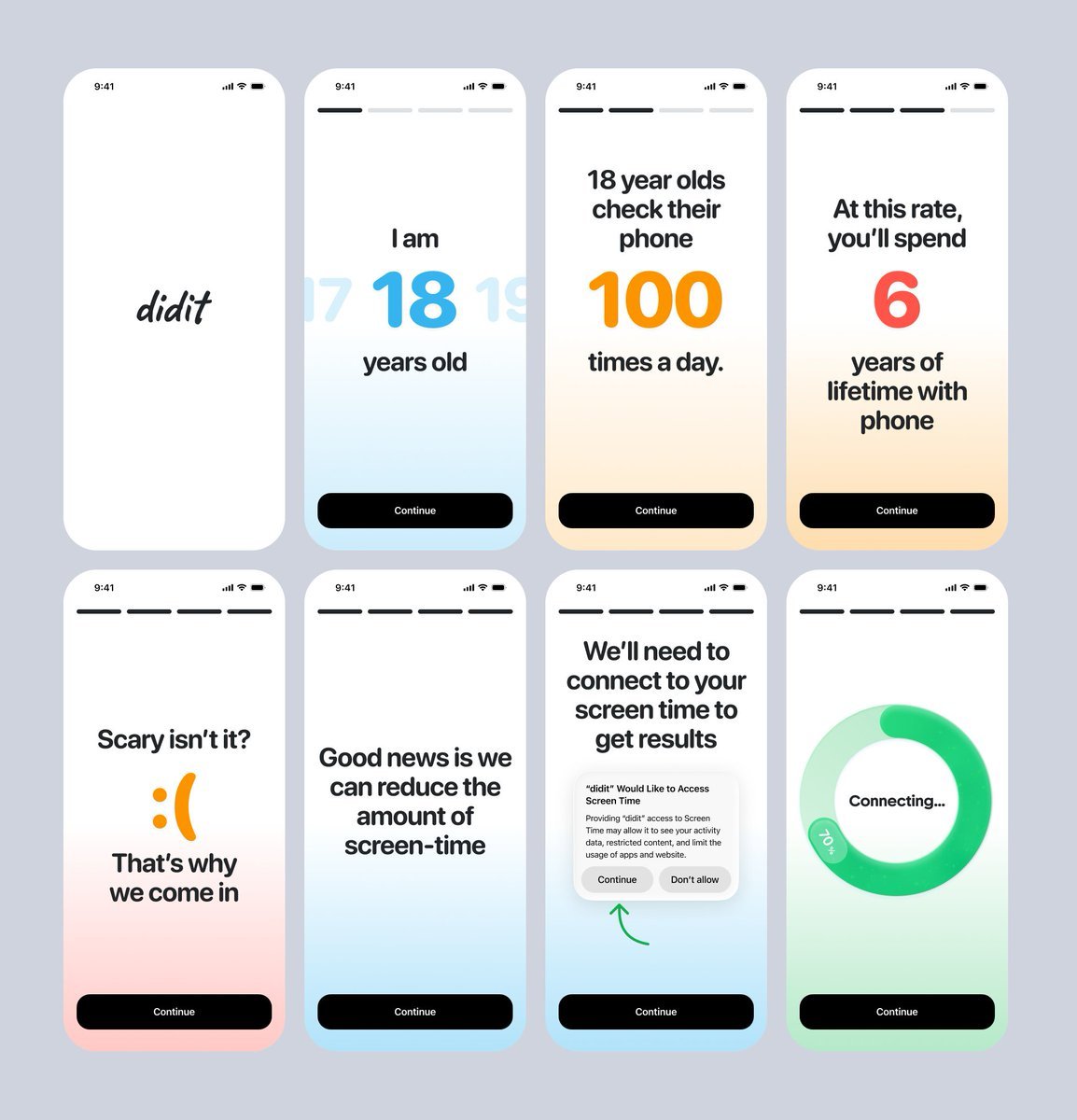 — "Didit app - designed by our team at kree8.studio"
7. End with a meaningful result
Don’t finish onboarding with a generic “You’re all set” screen followed by an empty dashboard.
Show users what was created for them: their personalised plan, first recommendation, projected progress, or next action.
A strong onboarding ends with value - and gives users a clear reason to continue.
Great onboarding doesn’t teach users everything.
It removes uncertainty, creates excitement, and helps users experience one meaningful result as quickly as possible.
Or just hire Kree8 Studio :)
We’ll design an onboarding experience that looks great, feels engaging, and helps turn more new users into active users.
Book a call → kree8.studio

Related articles

34 Truths Nobody Tells You About Scaling a Consumer App
I ran marketing and day-to-day operations for Cal AI as we scaled from nothing to $50M ARR in roughly 18 months.

How to turn attention into consumer-app customers who don’t churn
That playbook worked when building the product was hard and distribution was cheap, but the opposite is true in 2026.

I studied 30,600 apps making $20k-100k/mo+, the method is stupidly easy
only 1.7% of apps in the iOS App Store make $20k/mo+ that's over 30,000 apps (i researched all manually, no ai)