This FREE n8n template turns a Google Sheet into YouTube videos. $4,000-15,000 per million views

There's a format on TikTok and YouTube Shorts printing millions of views right now. Historical POV. First-person immersive scenes. "You are a soldier at Stalingrad, 1942".
One channel posted 47 videos in 3 months using this format. 2 hit 8M+ views. $31,000 in AdSense. The creator never touched a camera.
> If you don't have time to read the entire article right now, be sure to bookmark it so you don't lose it.
They're running an automation pipeline. This is it. Open source. Free to start.

What the system does
You drop an idea into a Google Sheet. One row. The workflow reads it, writes a scene-by-scene script, generates images with Kling, animates them into video clips, adds AI sound effects from ElevenLabs, stitches everything together in Creatomate, and uploads to YouTube.
Zero manual work after setup. One idea in. Finished video out.
Nobody scrolls past "you are there" content. The format triggers pure curiosity and the algorithm rewards watch time. That's the entire business model.
The stack (all free to start)
n8n - the automation backbone. Self-hosted or cloud.
Google Sheets - your idea database. One row per video. Columns: idea, caption, environment_prompt, production status, publishing status, final_output link.

PiAPI.ai - image and video generation via Kling. Free tokens on signup. Crypto payment supported when you scale.

ElevenLabs - ambient sound effects generated from scene descriptions. Free tier covers testing.

Creatomate - automated video assembly. Free tier for testing, paid for HD export. This is the one service worth paying for.
How a video gets built
The AI screenwriter reads your idea and breaks it into 5 scenes. Each scene becomes a Kling prompt. Images render in about 2 minutes per scene.
Each image then goes into video generation - 5-second animated clips. Budget 10 minutes per scene here. Video takes longer than images.

ElevenLabs generates matching ambient sound per scene as MP3. Files upload automatically to Google Drive via OAuth.
Creatomate receives all 5 clips, 5 audio files, and 5 scene title texts. Assembles one 25-second 9:16 vertical video with animated letter-by-letter text overlays. Google Sheets updates itself: production = Done, publishing = Ready, final_output = YouTube link.
The setup that matters most
Creatomate is where most people get stuck. Create a blank 9:16 template, open the code editor with F12, paste the JSON config, copy the template_id into your n8n Render Video node.
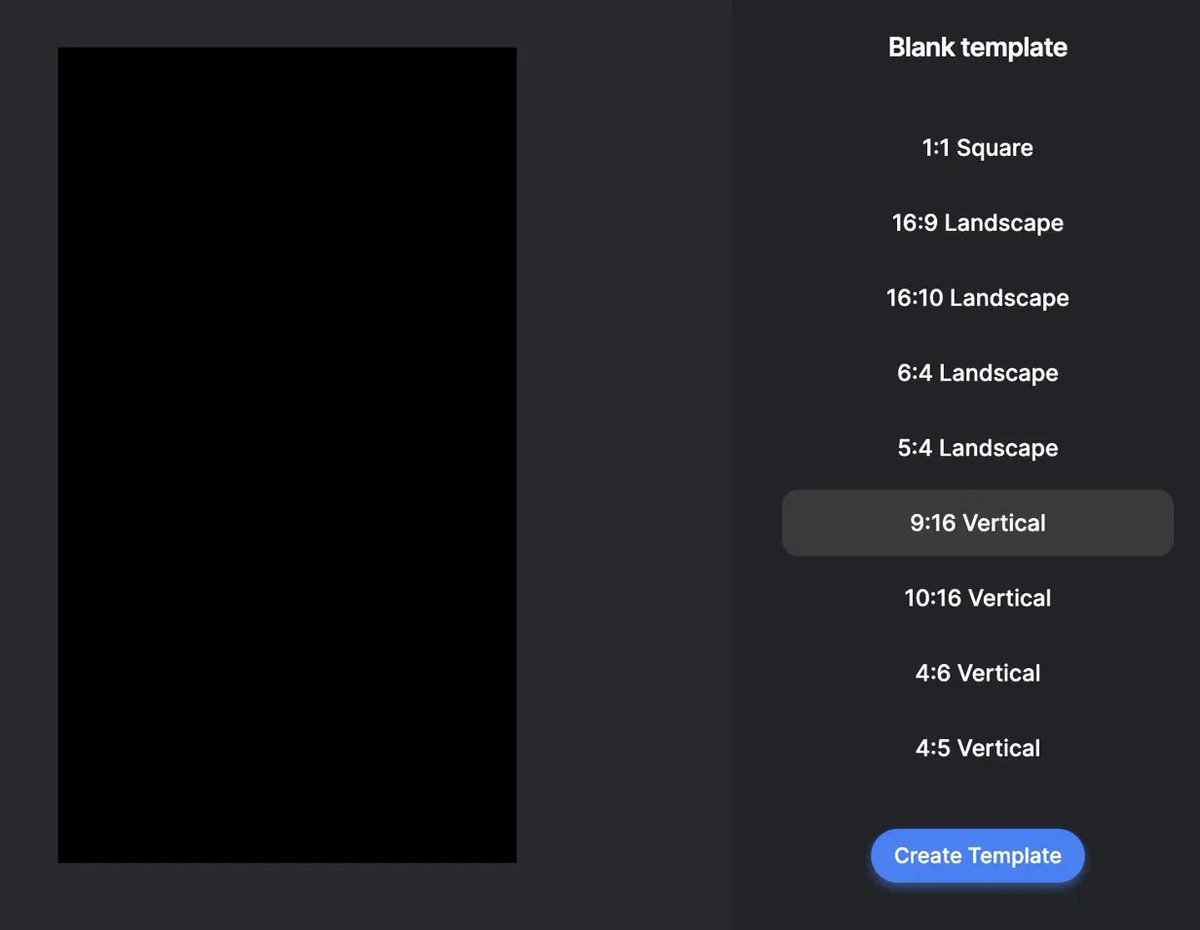
The JSON defines where video, audio, and text land on the timeline. 5 segments by default. Extend to 12 by swapping the JSON - both versions are in the template files.

Scene count lives in one node: Item List Output Parser. Change the number there, update the JavaScript in the Code node, update Creatomate JSON. Three places, five minutes.
The prompt layer
The AI screenwriter system prompt defines how ideas split into scenes. This single prompt controls everything about visual style and output quality.
Historical POV needs time period, visual details, sensory cues. Rewrite it for your niche and the output shifts completely. Anime, nature documentary, sci-fi - same workflow, different 10 lines of text.
Start in 10 minutes
→ Download the n8n template
→ Copy the Google Sheets template, drop in your first idea
→ Connect Google (Sheets + Drive), PiAPI, ElevenLabs, Creatomate via API keys
→ Paste your Creatomate template_id into Render Video node
→ Hit Test Workflow
First video is done in 15 minutes. When PiAPI limits hit - new account, new free tokens, 60 seconds. Same trick that works on every platform running a free tier.

Most people will read this and do nothing. The ones who run it this week will have 20 videos published before anyone in their niche figures out the pipeline exists.
> My Telegram channel, where I post the best alpha picks from AI, GitHub, Polymarket, etc. - https://t.me/+Uzcp8Q6o9tMyNTVi
I found the original template in a private Russian-speaking automation group. If you use it - rewrite all the text prompts for your niche. The pipeline is the value, not the specific prompts - https://drive.google.com/file/d/1NODIzyYItcI5o_Hy-ennAahqIqdft9ee/view
Bookmark this. The template is free and the window is open.
Related articles

We are in the middle of the digital renaissance, please take advantage of it
We’re in the middle of the second renaissance where proof of work replaces the resume, an audience replaces the employer, and taste replaces credentials.

AI Just KILLED YouTube Automation...Here's What's Replacing It
Every few months someone declares YouTube automation is dead

How to Crack the Faceless YouTube Algorithm in 7 Steps
The YouTube algorithm doesn't care about your content.