Stop Being the Loop. How to Get Claude Working for You While You Sleep
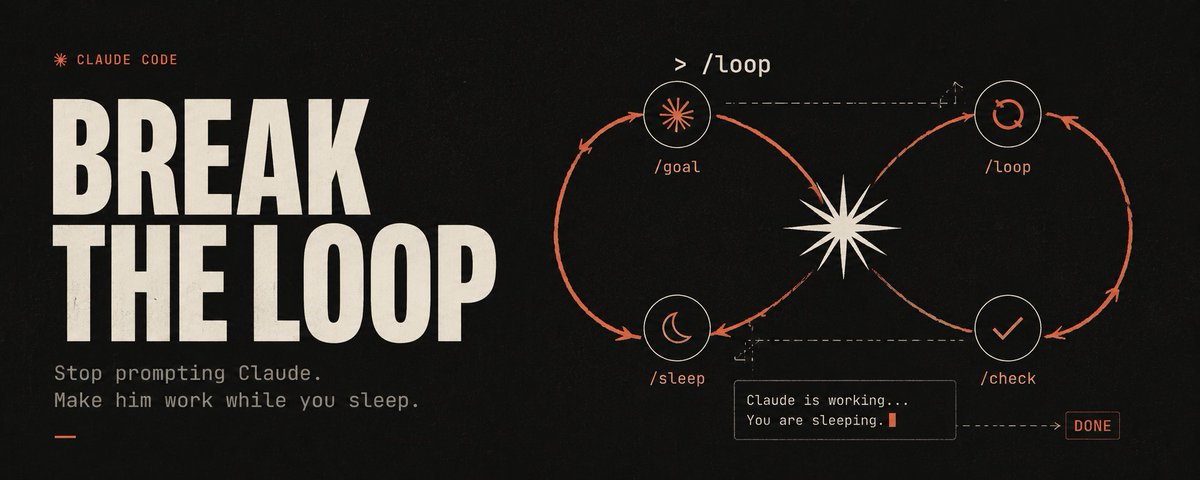
The guy who built Claude Code at Anthropic doesn't prompt Claude anymore.
His name is Boris Cherny. May 2026, on stage in London, he just said it: "I don't prompt Claude anymore."
Loops do the prompting for him. His real job now is writing the loops.
That sounds like a punchline. It isn't. It's the biggest actual shift in how people are using Claude and ChatGPT right now. You've heard the word "agentic" everywhere. Almost nobody has made it real yet.
Here's what your current workflow looks like
You write a prompt.
Claude edits a file.
You run the test.
It breaks.
You paste the error back in.

Claude tries a different fix.
Twenty minutes later you notice you've been the one checking output, pasting errors, and deciding what happens next the exact job you were trying to hand off in the first place.
That's the problem. You are the loop. You're the decision-maker between every step. A real loop takes that job away from you.
One example that shows the whole gap
Ask Claude to write a one-page brief on any topic. Straightforward task. It returns something confident and clean, with a list of sources at the bottom.
Now click the sources. Some of them don't exist. Claude invented them and is completely sure they're real.
The links go nowhere or they go somewhere that says nothing like what Claude claimed. This is the quiet way a single prompt burns you: Claude has no way to catch its own mistakes because nothing ever pushes back.
Now run the same task as a loop. Same brief, but you define a bar Claude can actually test against:
Watch what happens. Claude writes the brief, then goes through every link one by one. Finds the dead ones. Finds the fabricated ones. Pulls real replacements. Keeps going until every source on the page is something you can actually open. Then it stops on its own.
It never gets tired of the boring ones. It never skips the last three because it's been at this for a while.
What a loop actually is

A loop is a small system that prompts Claude on your behalf, repeatedly, until a job is complete.
Every loop no matter how complex runs on five beats:
Find the work. Unfinished tasks, broken tests, unread emails, files sitting in a folder.
Do it. Claude takes one item at a time, exactly like you would if you were doing it by hand.
Check itself. A second pass confirms the work is actually finished and correct not just produced.
Remember. It writes down what's been completed so it never repeats work or loses its place mid-run.
Go again. It repeats until nothing's left, then stops or sends you a ping.
The line worth keeping: prompting is doing the work yourself. Loop engineering is setting up the worker so you don't have to.
So, isn't it basically a scheduled task?
Fair question. No.
You can already make your computer run a script every morning at 8am. That's a cron job. It's been around longer than most of us. It runs the same fixed steps every time no judgment, no branching, same steps regardless of what it finds.

A loop is different for one reason: there's a decision-maker inside it.
A cron job runs a script. A loop runs Claude. Claude reads the current situation, picks the next action, executes it, checks the result, and then decides what to do next keep going, try something else, undo a change, stop.
That live decision at the center of each iteration is the whole point. A script can't look at a failing test and come up with a different fix. Claude can. This only became real once models got reliable enough to make actual judgment calls in the middle of a job.
The two commands that run a loop
Here's where most people get stuck. You don't build a loop by typing "do this in a loop" into a normal chat window. Claude Code ships with two commands built specifically for this, and which one you reach for depends on what kind of loop you need.
- /goal the loop that runs until it's done
You saw it in the brief example above. You type /goal, then describe what "done" looks like in concrete, measurable terms. Claude works through it turn after turn on its own. After every turn, a second instance of Claude quietly runs a check: have we actually hit the goal? If not, it tells the first one what's missing and the work continues. The moment the goal is met, the loop closes by itself.
That self-check after every turn is what separates a real loop from a prompt that runs once and hopes for the best.
Use /goal when there's a finish line. Work until this specific thing is true.
- /loop the loop that runs on a rhythm
Reach for this when the job isn't "finish a pile" but "keep watching something." You tell it how often to run and what to do, and Claude handles the repeat.

/loop 30m check whether my live site is back up by loading the homepage.
The moment it returns a normal page, tell me and stop checking.
The 30m sets the interval to every 30 minutes. You can also just write "every morning, triage my inbox" and Claude will schedule it.
Use /loop when there's no finish line, just a beat. Check this again and again.
Most of the powerful loops you'll build start with /goal. Both are recent Claude Code additions if the commands aren't showing up for you, update Claude Code and they'll appear.
Your first loop, ready to paste
A single sentence goal is enough for a small job. For something bigger with multiple moving parts, you give Claude a full charter: where to find the work, how to verify it's done, how to track its place, when to stop.
Fill in the brackets and paste this directly into Claude Code:
The state file is the quiet hero of the whole thing. Without it, every run starts from scratch. With it, the loop picks up exactly where it left off including when it's running on a schedule and you weren't watching.
When not to build a loop
Loops aren't free and they're not right for everything. Three honest points before you start.

-
One-off tasks don't need a loop. If the job is a single answer, a plain prompt is faster and cheaper. Loops earn their setup cost on work that repeats or has many pieces to get through.
-
Loops cost more. A loop that checks itself and retries is calling Claude multiple times per item. On any Claude plan, you'll hit usage limits faster than you would with single prompts.
-
Vague work doesn't belong in a loop. "Come up with a better product strategy" is not a loop. Nail down what the actual outcome looks like first, then build the loop around it.
Start now.
Choose one repetitive task you still handle manually the kind with multiple moving parts. Drop in the template, customize the placeholders, and run it once while keeping an eye on every step.
Once you're confident it's working, automate it on a schedule. The first time you wake up and realize the work was completed overnight, you'll never go back to handling prompts one by one.
If you read this far:
BOOKMARK THIS.
Follow @cryptowluha <3 Embedded post:
Author: ClaudeDevs (@ClaudeDevs) Post ID: 2065192057535373473 Source: https://x.com/ClaudeDevs/status/2065192057535373473 Reply to: none
Text:
> /goooooal ⚽
Media:
- video: /media/posts/stop-being-the-loop-how-to-get-claude-working-for-you-while-you-sleep-2/1.mp4
Embedded post:
Author: Boris Cherny (@bcherny) Post ID: 2056650905613635669 Source: https://x.com/bcherny/status/2056650905613635669 Reply to: none
Text:
> Hello from Code with Claude London!
>
> 
Media:
Prompts
You are running as a loop, not answering one prompt. Here is your charter.

GOAL
[Describe the finished state in one or two sentences.
Be specific about what DONE looks like, and make it something you can measure.
Example: "Every product page in /pages has the new pricing and every link opens"]

WHERE THE WORK IS
[Tell Claude where to look.
Examples: "Scan the /pages folder for files with old pricing." Or "Read TODO.md"
Or "Check my connected task board for items tagged ai."]

HOW TO WORK
- Do one item at a time. Finish it fully before starting the next.
- Match the patterns you find in existing files. Do not invent new ones.
- If an item needs a decision only I can make (spending money, deleting things), stop and ask.

HOW TO CHECK YOURSELF
After each item, prove it is done before you mark it done.
[Pick what fits: "run the tests" / "re-read the file and confirm it meets the goal" / "open the link"]

If the check fails, fix it and check again. Three tries per item, then log it as blocked and move on.

HOW TO REMEMBER
Keep a file called LOOP-STATE.md.
After each item, write the item name, its status (done / blocked / needs me), and one line on what you did.
Read this file FIRST every run so you never redo finished work.

WHEN TO STOP
Stop when every item is done or logged as blocked, or when you have finished [X items].
Then give me a short report: what got done, what is blocked, what needs my call.

Start by reading LOOP-STATE.md if it exists, then find the work./goal write a one page brief on [your topic]
where every claim has at least three sources and
every link opens to a real page that supports the claim.
Open each link to confirm it before you call it done.
Replace any source that is dead or does not back up the claim.
Stop only when every source on the page checks out.Links
Related articles

Stop Prompting. Start Looping.
How to build an AI agent that works while you sleep
Stop Prompting. Start Looping.
How to build an AI agent that works while you sleep

Loop Engineering: The 20-Step Roadmap From Prompter to Loop Designer
Most people are still typing prompts into a box and waiting for an answer.