you + free ai tools = your own ai influencer

no face. no camera. no photoshoot. no model. just you, pinterest, and a stack of free tiers.
ai influencers are their own niche now - accounts that don't exist as real people but still pull real followers, real brand deals, real money.
and the whole pipeline runs on free plans if you know the order to build in.
so in this article i'll show you: how to build a consistent ai influencer from scratch and make her move like an actual human
free tools only, no design skills, no team.
The stack
> pinterest — your source face + your motion reference videos (free)
> lovart ai — image generation, daily free credits (~30/day), runs nano banana pro
> any online frame extractor — pulls a single frame out of a video
> kie ai — kling motion control, this is what actually moves your model
> higgsfield ai — backup motion tool, a few free generations
the core principle: steal the motion, not the face
this is the rule the whole thing is built on, so get it before you touch a tool.
the reason most ai influencers look fake isn't the face. nano banana renders a flawless face now.
it's the movement - stiff, floaty, dead-eyed, uncanny, viewers can't name why, they just scroll past.
the fix: never animate from a text prompt, drive your model with a real human video.
real footage → real weight, real timing, real body language → it reads as a person.
you generate the face, you borrow the motion, every step below exists to serve that order.
Step 1 — grab a source (pinterest)
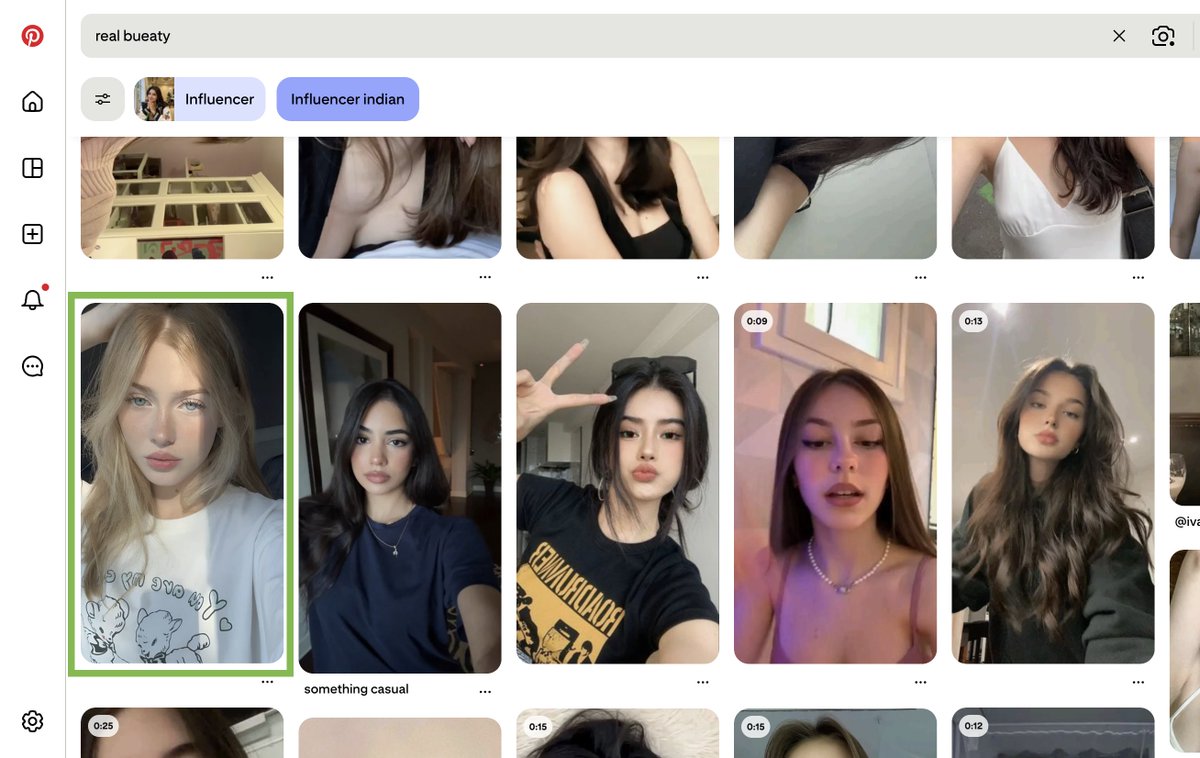
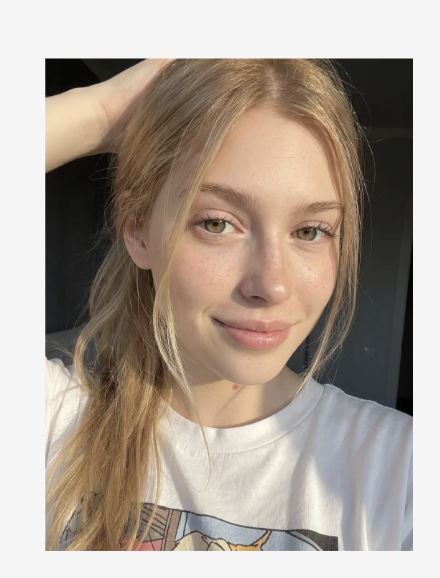
open pinterest and search for the kind of model you want, pick a face/vibe you like and download the image.
this is only a style reference - the next step turns it into your own character, not a copy of this person.

Step 2 — build your model (lovart ai)
go to lovart.ai
sign in (google works), free plan hands you daily credits, no card needed
you'll receive 30 credits every day, which is just enough for two images
click the + → image generator → upload the pinterest image → set model to nano banana pro → resolution 2k → aspect ratio 3:4 → paste your prompt → generate
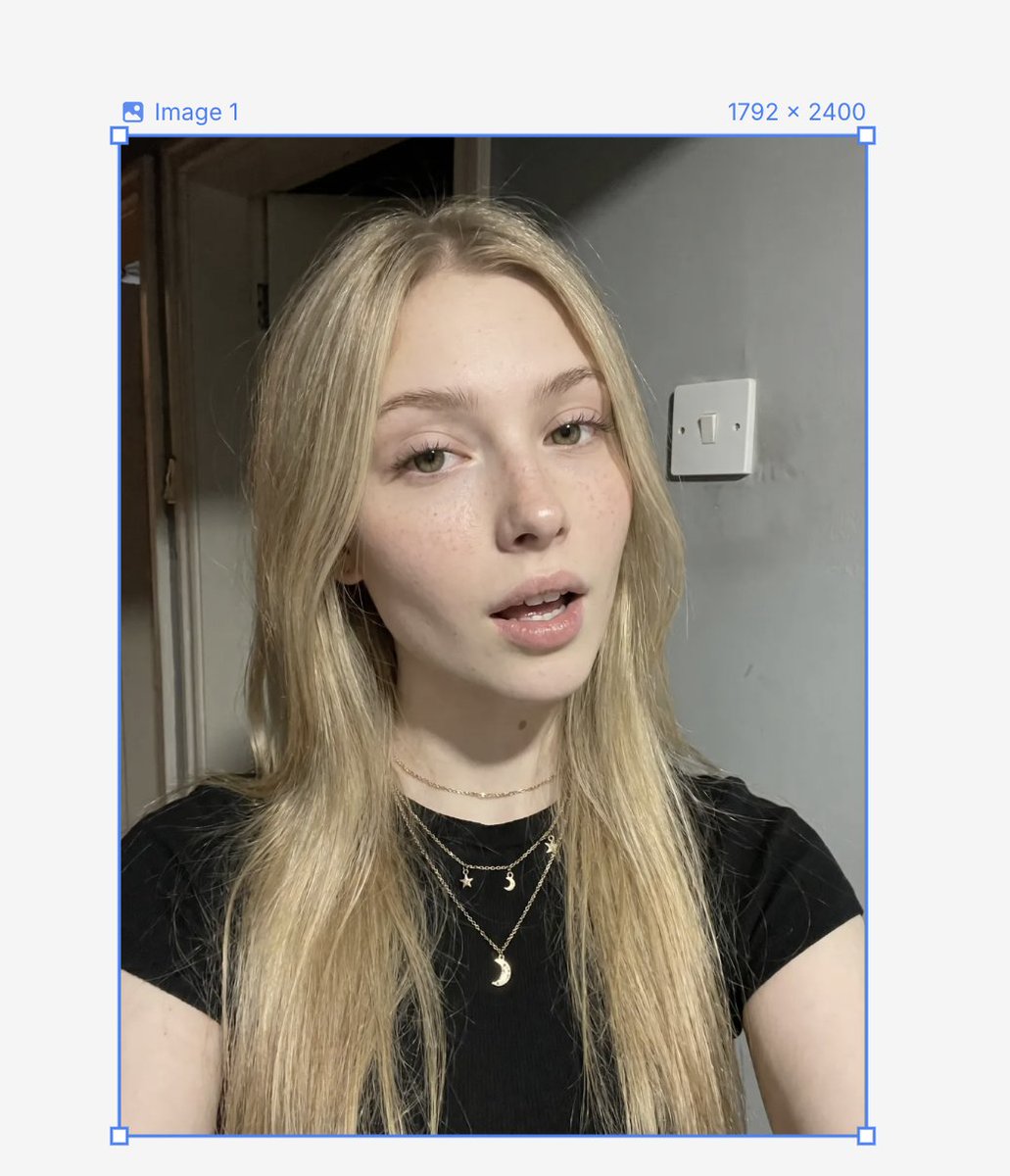
result:
out comes your own ai influencer, save her.
this face is now your anchor - reuse it for everything so the character stays consistent across posts.


Step 3 — pick your motion (pinterest again)
back to pinterest, find a video of the exact action you want her to do - a dance, a walk, a lip-sync, whatever the post needs.
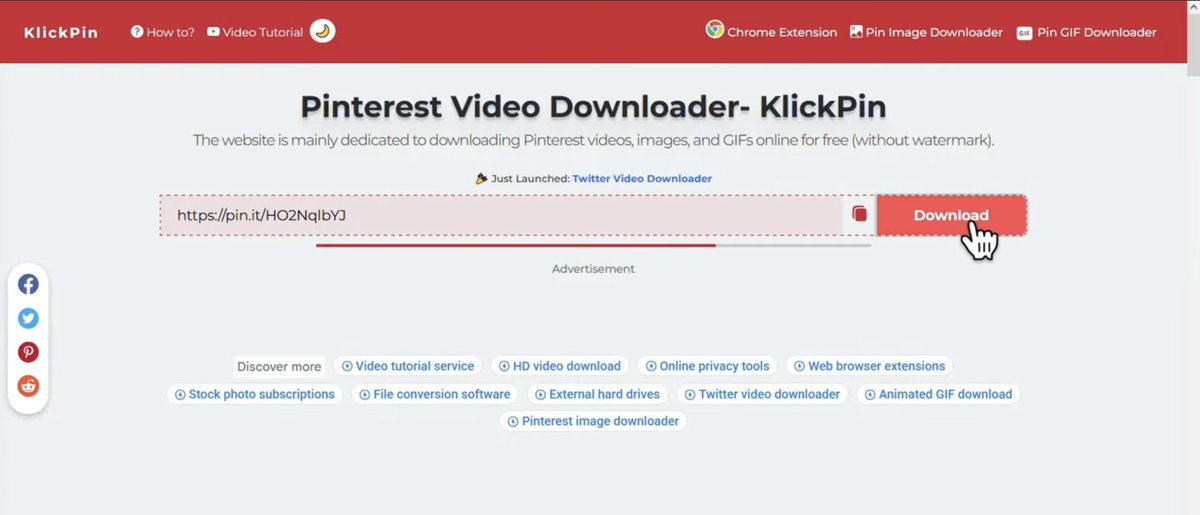
copy the video link → paste it into a pinterest video downloader → download the clip.
keep it short, 3–7 seconds moves best (so you don't hit the limits in the next app)
klickpin.com - to download your video


Step 4 — pull a frame (frame extractor)
open any free online frame extractor and upload the clip.
set frame number to 1 → extract → download.
that first frame is the starting pose you'll match your model to in the next step.
frame-extractor.com - use to extract your frame

Step 5 — match the pose (lovart ai)
back in lovart → image generator → upload two images: your model (step 2) and the extracted frame (step 4).
2k → 3:4 → create → download.
now you've got your influencer sitting in the exact starting pose of the reference video. that clean match is what makes the motion transfer land instead of glitching on frame one.


Step 6 — drive the motion (kie ai)
go to kie.ai, sign in with google → open the api market → scroll to kling motion control.
remove the default image, upload your pose-matched influencer (step 5). remove the default video, upload your pinterest clip (step 3). delete the prompt → set 720p (plenty for this) → run.
wait it out, then download. the motion from the real video is now on your character - same actions, smooth, and it actually looks alive.

Step 7 — the backup (higgsfield ai)
if kie runs dry on credits.
higgsfield.ai gives you 10 credits (might not be enough).
go to motion control → upload your clip + your influencer image → generate. same idea, second engine.
Common mistakes
animating from a text prompt instead of a reference video - the single biggest one. this is where the uncanny stiffness comes from. always drive with real footage.
skipping the pose-match (step 5) - feed motion control a mismatched starting pose and the first second looks broken.
a busy reference clip — fast, chaotic movement confuses the transfer. clean, front-facing, well-lit clips move best.
cloning a real, identifiable person - don't build your influencer on someone recognizable, and label it as ai where the platform asks (meta/tiktok/ig require it now). keeps you off the wrong side of a ban.
Result
a fully synthetic influencer that moves like a real one - built end to end on free tiers, no team, no gear.
now go make her do something, drop your first one in the comments.
Prompts
prompt:

image number 2 is posing and dressing like image number 1, background - image number 1
Generate a new, realistic female face inspired by the uploaded image.
Preserve subtle facial structure and vibe, but create clearly different features, identity, and expression.
High detail, natural skin texture, soft lighting, photorealistic.Links
Related articles
you + free ai tools = your own ai influencer
pinterest — your source face + your motion reference videos (free)

The smartest money-move of 2026: build her in 30 min, earn $1,500 per viral. System inside.
A face that doesn't exist can out-earn a real one.

how to FORCE sonnet 5 to give you viral AI short-form vid ideas
every content team solves the same problem every monday morning: what content do we make this week?