how i save $15 per UGC react video with AI

UGC react is a well known winner for mobile apps - it's human and relatable - people like that and therefore click through to the app.
The problem is that it can cost $10-20 per video from real humans - and can take 1-2 days for the videos to be delivered. You've got to manage the creators too, which is an absolute pain in the a**.
This guide covers how I make hyper realistic UGC react videos with AI for a fraction of the price ($1-2), add my app CTA, and schedule to my social medias.
No managing people, no waiting time for delivery, just high quality UGC reacts that leads to conversions on my mobile app.
Let's go baby.
1. Account warm up
(Skip if you've already done this)
You MUST warm up your accounts before you start posting to prevent ending up in view jail.
Follow this guide from @jackfriks: https://x.com/jackfriks/status/1906479939672547624?s=20
 — "JackFriks Social Media Warmup Guide"
Once you're warmed up, you're ready to post.
2. Making the AI UGC videos
This is the easy part. I'll walk you through it with my own tool (SwapTok) but you can use Kling, Higgs, or any other AI media tool that has motion control capabilities.
Here's the kind of video we're going to make:
As you can see - it's just UGC react + a recording of me using the app + some trendy music.
Here's the steps on how to produce and edit this kind of video with SwapTok + TikTok Studio:
- Generate your AI avatar
- Record yourself doing the reaction
- Generate the UGC react with SwapTok
- Record yourself using your app
- Edit together in TikTok Studio + add viral music
Here's a full video walkthrough of how I make these videos:
3. Scheduling with Postiz
I hate making content so I like to mass-produce a bunch of videos at the beginning of the week and then schedule them to post automatically.
It's pretty simple to do with Postiz, you can schedule your content, post across multiple accounts (TikTok, IG, YT...).
Just sign up at Postiz.com, start a free 7 day trial, and schedule your videos.
The part I actually love though is their agentic feature. Postiz has a CLI built for AI agents, which means Claude can do the entire scheduling job for you. Setup takes about 30 seconds:
- Install the skill: npx skills add gitroomhq/postiz-agent
- Set your API key: export POSTIZ_API_KEY=your_api_key
- Check your connected accounts: postiz integrations:list
 — "postiz integrations:list"
Dump all your videos into a folder on your computer, open Claude Code, and just say:
> "Schedule all the videos in this folder to my TikTok and IG accounts, 8 hours apart, over the next week"
 — "scheduling vids with claude + postiz skill"
That's literally it. Claude reads the Postiz skill, uploads every video, and schedules them all with the right timestamps. All within a minute.
TLDR
- Warm up fresh accounts: 15 mins of niche scrolling a day for 3-5 days before posting
- Make react videos with AI: generate avatar with SwapTok, record your own reaction, face swap, edit with TikTok Studio
- 5 minutes per video, $1-2 each, vs $15-20 for a real creator
- Mass generate variants: different avatars, hooks, music
- Batch videos weekly, then have Claude schedule via the Postiz agent CLI
- Double down on performers
Related articles
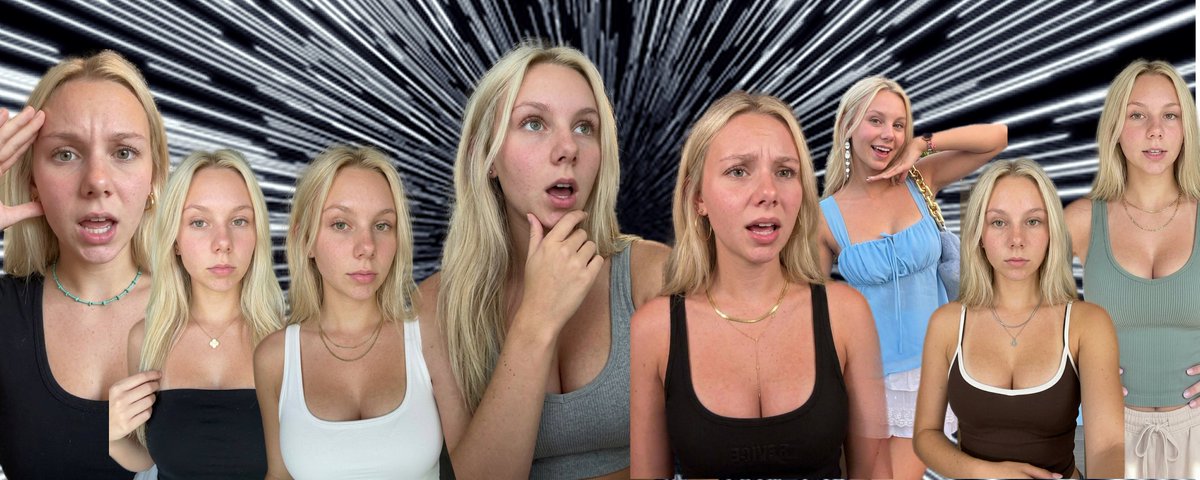
No BS Guide to AI UGC at Scale
I will walk you through how to run 12 AI [personas](https://www.tiktok.com/@gia_sugars) at $22–$266/mo and ship 2M views/week for your [SaaS](https://gradbro.com/) products.

The ULTIMATE Organic Marketing Guide For App Founders
I’m going into calorie deficit, fat loss, high protein meals, gym meals, restaurant calories, what I eat in a day, meal prep, macro tracking, cutting, bulking, low calorie snacks and whatever else st…

How to CONSISTENTLY Get High Views on TikTok With AI UGC
*"realistic skin texture, visible pores, natural slight unevenness, no filter quality"*