How I vibecode beautiful $10,000 landing pages (Claude Code beginner tutorial)

I built my new landing page for aiwithremy.com from scratch, no technical experience going in, and it looks like something an agency would've charged $10,000 for. moving digital art in the background, a little plane pulling a banner across the screen, retro buttons that actually work. here's the exact process, start to finish.
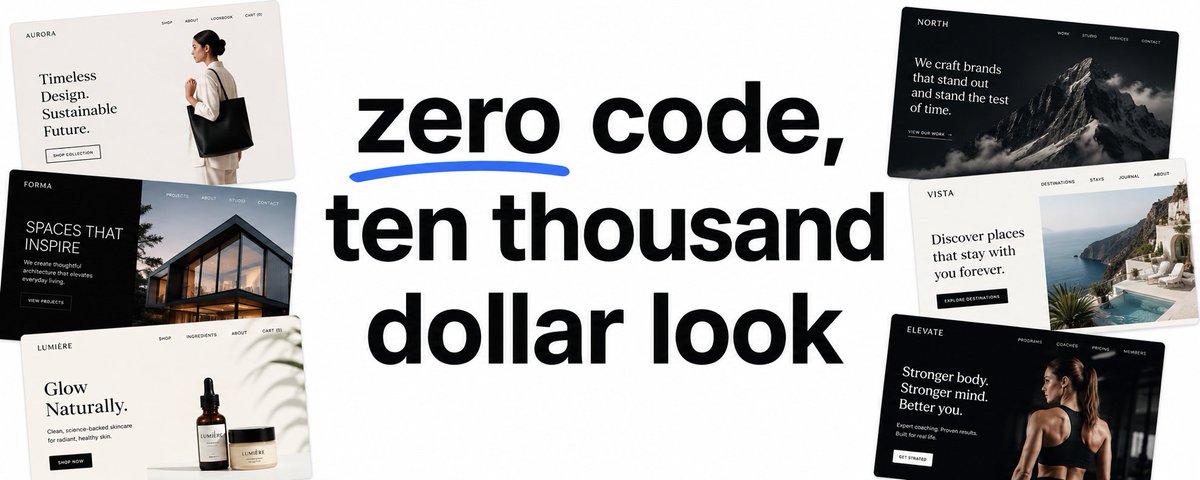
why most people skip straight to the wrong step
the instinct with claude code is to just open it up and start typing what you want. that's exactly backwards, and it's the reason most people end up with a page that's technically functional and completely forgettable.
the actual first step has nothing to do with claude at all. it's finding real design inspiration. sites like siteinspire, landbook, and the framer marketplace are full of pages built by actual designers, and pulling pieces from a handful of them, this menu style from one, that retro digital look from another, this centered layout from a third, gives claude something real to work from instead of guessing at what "beautiful" means to you specifically.
nobody has one perfect page they want to copy exactly. it's always a frankenstein, a piece borrowed here, a piece borrowed there, until a rough picture forms in your head of what you're actually going for.
turning that inspiration into an actual brief
once you've got a shortlist of reference sites, the next move is building what's called a prd, a product requirements document. it's just a proper brief for the project, and it's genuinely worth building this before claude code ever gets involved.
gemini handles this part well specifically because it's strong at reading images, which matters once you start feeding it screenshots. the move is to grab the html straight off any reference site using a tool like viewpage.co, just paste in the url and it pulls the code, and pair that with full page screenshots using a chrome extension called go full page, which captures the entire scroll, not just what's visible at a glance. worth knowing, it doesn't always work, one site had some kind of blocker that stopped the html from downloading entirely, which happened to be the reference liked most out of the whole shortlist. when that happens, screenshots alone still get the point across.
then you tell gemini, explicitly**, what you actually like about each one**. not "I like this site," but "I want this layout, this centered structure, this white space, from this one, but not that one's color palette, that comes from a completely different reference instead." the more specific this gets, the less guessing claude has to do later.
Example: "I love the layout of this weight template, the centered container with a headline and signup bar front and center. but I don't like its style. I love the retro digital feel of these other three sites, made of keyboard characters and old school fonts, but a bit more modern than fully retro. keep the color palette simple, muted blacks, white background."
that level of specificity, paired with the actual html and screenshots, is what turns a vague "make it beautiful" into a brief claude can actually execute against.
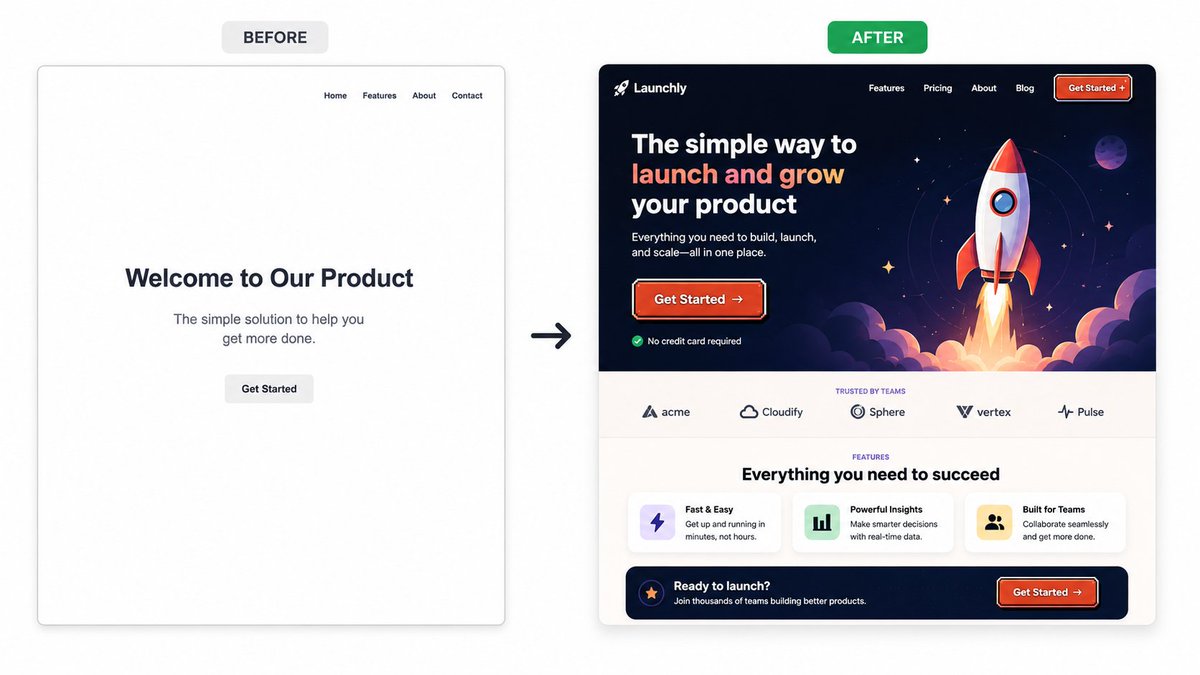
setting up the actual workspace
claude code runs inside visual studio code, a free editor, through an official extension built by anthropic. install it, log in, and it's running. two more extensions matter here specifically for this kind of work, one that lets you preview the actual site as it's being built instead of staring at raw code, and one that renders markdown files properly instead of showing a wall of ugly plain text.
a project folder on your computer holds everything, the prd, the reference screenshots, the html files, all sitting in one place claude code can read directly. and one extra piece worth installing before any actual building starts, a front end design skill, official, built by anthropic, that genuinely makes claude noticeably better at design decisions specifically. it's a plugin install, a couple of terminal commands, and if you get stuck, you can just hand claude the link and ask it to walk you through the install itself.
the custom instructions that quietly do a lot of work
before the actual prompt, a claude.md file sits in the project folder, a short set of instructions telling claude what it's building, who it's for, and what files to consult before making any decision. this one pointed at the prd and an ideal customer profile document, both real files sitting right there in the folder.
with all of that context already loaded, the actual prompt to kick things off ends up almost laughably small. tell claude to use the front end design skill, point it at the prd, the reference folder, and the customer profile, and ask it to write a plan before touching any code. switch the model to opus 4.8 before starting, the strongest option available for this kind of design heavy work. claude comes back with a full implementation plan, load speed considerations, design philosophy, the works, before a single line gets written.
round one didn't work, and that's actually normal
here's the part most tutorials skip over. the first build, using the exact process above, wasn't right. technically well built, followed the brief closely, just not what was actually pictured.
the honest read on why: the brief itself was the problem, not claude's execution**. it had done exactly what was asked,** the ask just wasn't specific enough yet. so the fix wasn't fighting with claude to change the output, it was going back and sharpening the prd itself, swapping in different reference sites, being clearer about the exact vibe.
this is the actual lesson buried in this whole process. claude code doesn't fail you nearly as often as the brief you hand it does. round two, with a genuinely improved prd, produced something dramatically closer to right on the first attempt.
one more thing worth knowing before it costs you something. a single instruction, given late in a long session, once wrecked an entire section of a build completely, gone, not just off. the fix afterward was rebuilding that piece from a saved checkpoint. the actual cause tends to trace back to context filling up, there's a small bar showing how much of the conversation claude's holding onto, and outputs noticeably get worse and lazier the fuller it gets. the workaround is simple, clear the conversation periodically with a /clear command once a section is solid. it doesn't delete anything, the old conversation's still sitting there to reference, it just starts the next stretch of work with a clean, focused context instead of a cluttered one.
refining in plain language, no design vocabulary required
once there's a real starting point, the rest is just talking through changes the same way you'd describe them to a person. swap this green for a blue closer to a specific reference site. keep the modern feel but bring in more retro texture. add ascii art animating through the hero section, some of it literally copy pasted straight from an ascii art site into the chat.
one trick worth stealing directly: screen record a website with an animation style you love, turn it into a gif, and hand claude the gif frame by frame so it actually sees the motion instead of guessing at a text description of it. and when a section is technically right but visually off, like elements sitting slightly misaligned, a simple screenshot with a red line drawn over the problem communicates the fix faster than any written explanation could.
a genuinely useful trick when you don't know the vocabulary
not knowing web design terminology doesn't have to slow this down. gemini is strong at reading images, so screenshotting a section you want and asking gemini to write the actual prompt for claude, meta prompting, one model writing instructions for the other, closes that gap completely. you don't need to know what to call the effect you want, just what it looks like.

why saving progress constantly actually matters here
github sits underneath all of this as the actual save system, worth thinking of as a google drive built specifically for code. every meaningful version gets pushed there as a checkpoint, and that matters more than it sounds like it should, because an instruction that goes wrong can genuinely wreck an entire section with no way back if there's no saved version behind it.
it's also the thing that connects everything to actually going live later, so setting it up early, before it feels necessary, saves a real headache down the line.
making it actually functional, not just pretty
a beautiful page that doesn't capture a single email is a demo, not a landing page. connecting a real email signup, a lead form, or a booking calendar depends on what you're actually running, typeform or go high level for forms, cal.com for booking, whatever platform the newsletter or business already runs on for email capture.
not knowing exactly how a specific platform's integration works isn't a blocker either, telling claude to research the available options and lay out the tradeoffs works just as well as knowing the answer going in.
selling something directly off the same page, a digital product, a course, anything, works the same basic way, a stripe link connected in so the purchase button takes visitors straight to a real checkout instead of a dead end.
getting it live with your own domain
hosting through vercel is about as close to effortless as this process gets, free plan included. connect it to the github repository, import the project, deploy, and the site's live. from there, pushing any future change through github reflects automatically on the live site, no separate manual upload step. adding a real custom domain instead of the default vercel one takes one more step inside the same dashboard.
the actual system underneath all of this
none of this is really about one landing page. it's the same pattern that shows up everywhere claude code actually works well, a real brief instead of a vague ask, reference material claude can point to instead of guessing, and a process for iterating in plain language rather than fighting with technical terms you don't know yet.
build the brief properly once, and the "couple hours, no code, ten thousand dollar look" part stops sounding like an exaggeration and starts sounding like the obvious outcome of doing the first step right.
p.s. if you want the full prd template and the exact claude.md structure from this build, grab it through the newsletter at aiwithremy.com.
and if you want a complete system built around your entire business, not just one landing page, that's what the AI course hands over. reserve your seat here → awr-gamut-exploration.vercel.app/self-paced#reserve
running a team of 20 or more and need this rolled out company wide instead of just for yourself? that's a different scope entirely → awr-gamut-exploration.vercel.app/enterprise
remy
Related articles

10 SEO backlink Claude automations for 61k AI mentions in 3 months
Link building is trial and error.

The Guide to Dominate Local SEO (Automated with Claude)
"Here's my site: [url]. Audit my Google Business Profile setup. Find the top 3 competitors ranking locally for my main keyword, tell me which primary and secondary categories they use, and give me a…

GROK BOT: HOW TO HAND YOUR ROUTINE TO A BOT IN 10 STEPS
Every AI tool you have used so far waits for you. You open it, you ask, it answers, you close it. The work still sits in your hands, the model just talks you through it.