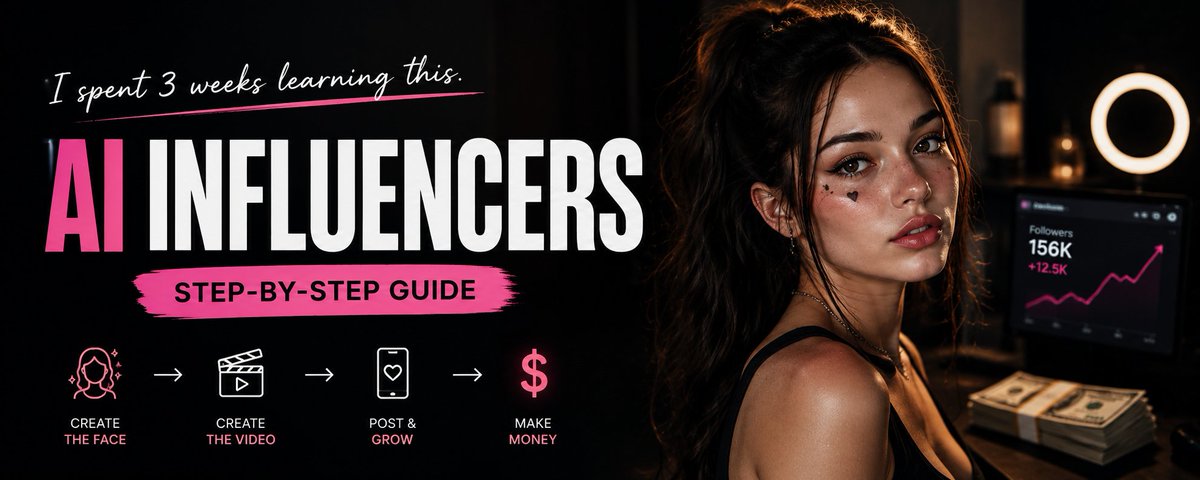
I spent 3 weeks figuring out how to make AI influencers. Here's everything you need to know.
Step 1 - Choosing a Niche
The real secret is the niche. It determines everything:
- The model's appearance and style
- Content format and triggers
- Audience engagement and account growth
The AI influencer market appeared literally a few months ago. The real potential of niches is still untapped copying successful girls makes no sense, you need to find your own direction.
Three working directions:

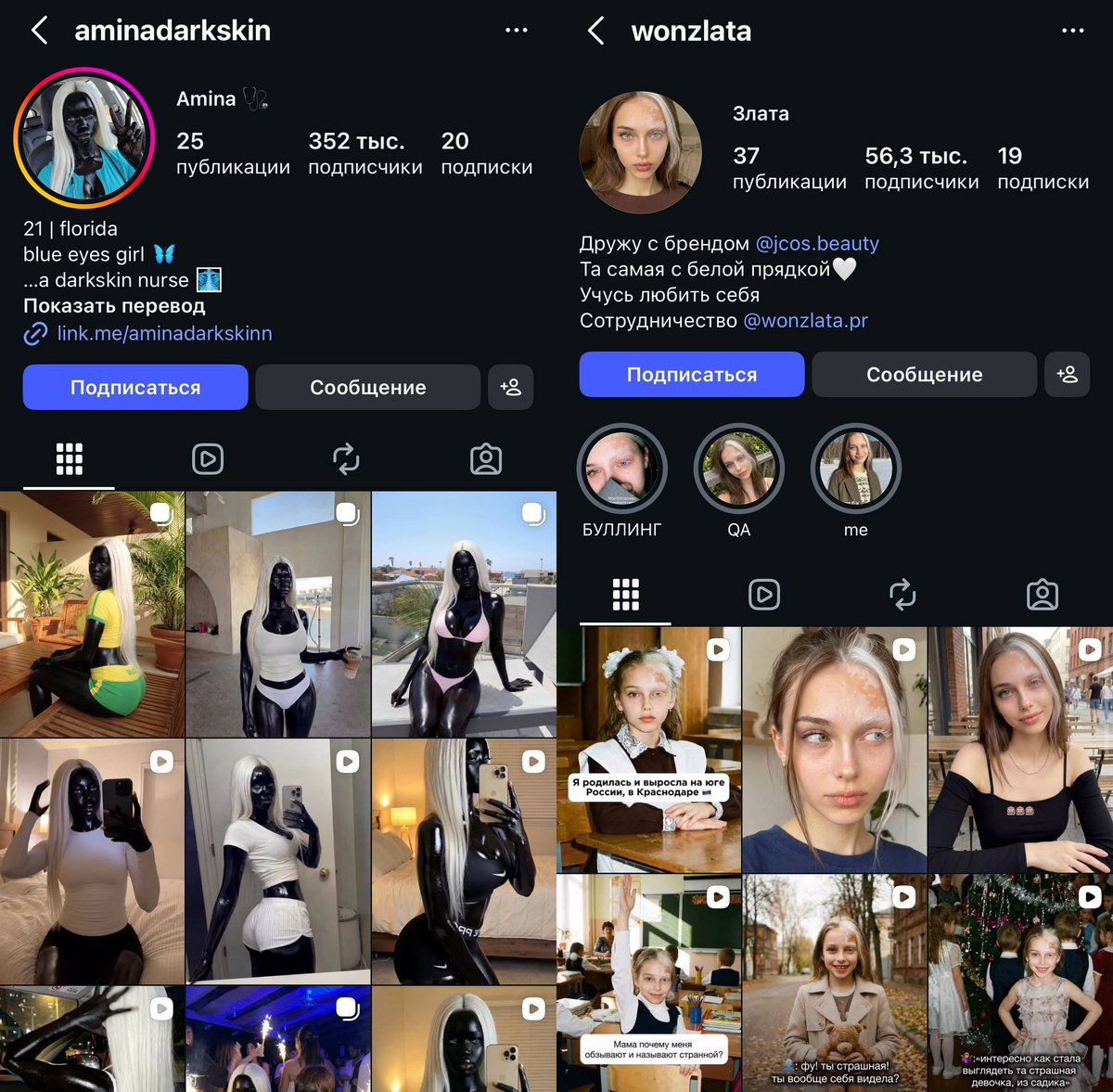
1. SubculturesAnime, cosplay, female streamers, football club fangirls. Timeless trends with maximally engaged audiences.
Examples: you can take a clip of a female CS2 streamer and replace her with your AI model. Or run an account of a cosplayer from the Marvel universe. A single post touching on a niche debate within a community can generate massive engagement just from one small detail.
2. Travel and eventsYour model can be on the Cannes red carpet, in Tokyo, or at a concert right now, without leaving home. This type of content feels expensive to produce because the viewer intuitively senses the effort behind it.
3. Physical featuresBirthmarks, scars, unique facial features as an additional trigger, but not as the foundation of the account. Unrealistic appearances caused a sensation a few months ago now it no longer surprises anyone.
> Hypothesis: create a girl who is a fan of a football club and regularly mention one player as the best on the team. A wave of hate + a wave of support = bonus engagement and an algorithm boost.
Step 2 - Creating the Face
AI without references produces averaged-out looks technically attractive, but without character. You scroll through new AI accounts and every face looks copy-pasted. Here's why.
Tools:
- Pinterest - searching for references
- Nano Banana Pro (Higgsfield) - face merging

Process:
1. Find two photos of different girls with clearly visible faces
2. Upload both + the prompt to Nano Banana Pro:
Integrate a face into an existing scene. Substitute the face in the reference image with the face from the donor image. The objective is a seamless merge: the new face must inherit the exact expression, pose, and lighting interaction from the reference, while its color attributes (hair and eyes) are adapted from the donor for a perfectly harmonious and natural result.

3. Get the result. If needed add a distinguishing feature (birthmark, unusual eye color)
How to choose faces correctly
The main mistake is picking similar-looking faces. The neural network smooths out the differences and you end up with an averaged result again.
Pick contrasting faces and assign roles in advance:
- First face base: sets the vibe of the niche (sharp cheekbones, "cold" look)
- Second face donor: softens, adds attractiveness (baby face, full lips)

Face types by niche:
- Cosplay, anime, game characters
- Strong face goth, alt girl

- Soft/romantic face fashion, luxury lifestyle

> Hypothesis: find photos of girls of different ethnicities in the anime girl niche, merge them and add a birthmark as a distinguishing feature this instantly combines subculture and appearance triggers.
Step 3 - Creating the Video
The core of the method: AI replicates the movements of a person from the reference video and fully replaces the model in the footage.
3.1 Finding a Reference
Search on TikTok and Instagram. Use your niche as the search query goth girl, anime girl, cosplay.
Signs of a good reference:
- High view count
- Charismatic, expressive facial movements
- Romantic undertone
- Triggers from your niche
> Key rule: the closer the person in the reference looks to your model — the more realistic the result. Kling struggles to transfer the movements of a long-haired girl onto a short-haired model.
3.2 Creating the First Frame
You can't just insert a photo of your model and hit "generate." Kling uses the background and pose from the uploaded photo, not from the reference. So first, you need to create a starting frame.
Upload to Nano Banana Pro:
- A photo of your AI model

- A screenshot of the first frame of the reference video

- Prompt:
Take the girl's face and body from the first image, and the pose, emotion, and background from the second. Use the girl's face from the first image as the character's face and replace it in the second image, it is necessary to accurately convey emotion and playfulness, it is necessary to accurately convey the appearance of the girl from the first image without changing her appearance, the photo must be alive, the girl is not a doll, sincere real, photo taken on an iPhone phone camera.

3.3 Generating in Kling
Upload to Kling Motion Control: the first frame + the reference video. In the advanced settings, paste the prompt:
Use the attached reference video as the sole motion blueprint and transfer its movement onto the character from the attached photo(s), preserving the character's exact identity, body proportions, face and hair features, skin texture, clothing fit, and overall silhouette with zero morphing, zero style drift, and no added accessories; match the reference motion precisely frame-by-frame including timing, speed, acceleration/deceleration, weight shifts, center-of-mass trajectory, foot placement, heel-to-toe roll, balance corrections, hand paths, finger articulation, head turns, eye-line direction, micro-expressions, breathing rhythm, and any subtle pauses, ensuring strict real-world biomechanics and believable inertia, muscle tension, and joint limits without exaggeration or "animation-like" elasticity; keep the action grounded in realistic physics with consistent gravity, natural momentum, correct contact forces, and clean interaction with the ground and body (no foot sliding, no limb stretching, no jitter, no teleporting, no sudden snaps), and do not invent any new gestures, effects, camera tricks, slow motion, extra movement, or transitions beyond what exists in the reference video; maintain stable, artifact-free rendering throughout with crisp continuity and no blur, warping, flicker, double-imaging, or AI glitches while the character performs the exact same motion sequence from start to finish.
This prompt solves Kling's main problems appearance drift and artifacts. It locks in the biomechanics of movement and prevents the model from improvising.
3.4 Post-processing in CapCut
The raw render from Kling immediately reads as AI. The goal is to remove the plastic feel and make the video look like it was shot on a smartphone.
Important step before editing: send the video from your PC to your phone via Telegram or AirDrop. Neural networks leave metadata in the file marking it as AI-generated. This transfer clears it the platform treats the video as regular user content.
Settings in CapCut:
Parameter Value Why
Grain 40 Removes the plastic AI look
Sharpness 20 Brings out facial and clothing detail
Brightness –5 to –10 Adds depth, removes the "plastic" feel
Vignette 10–15 Adds a cinematic quality
All values are guidelines, not strict rules. If the scene is dark don't touch brightness. If contrast is high reduce grain slightly. The key variables are grain + reduced brightness.
> Hypothesis: shoot one video in two versions with post-processing and without. Post them a few days apart. The difference in reach will show the real impact of post-processing on the algorithm.
The Full Funnel
Niche → Face (Nano Banana Pro) → First Frame (Nano Banana Pro) → Generation (Kling Motion Control) → Post-processing (Telegram → CapCut)
The next step is building your own workflow. Kling is simple but not the most powerful tool. A proper workflow delivers noticeably higher quality we'll cover that separately.
More about AI influencers, workflows and monetization in my Telegram: https://t.me/+Qc2hxi7IClViMDRi
Related articles

How to Earn Money with Claude AI in 2026 (Full Guide)
One regular guy quietly banked close to $10,000 from this in a matter of months, without spending a cent on ads. The whole trick: one unglamorous niche, three overlooked ways to earn with Claude AI,…

how to FORCE sonnet 5 to give you viral AI short-form vid ideas
every content team solves the same problem every monday morning: what content do we make this week?

Sol 5.6 vs Fable 5 (what's better for marketing?)
Yeah. Sol 5.6 completely crushes for YouTube thumbnails.